
Forgot your password?
If you cannot remember your password, you can reset it from the login screen. Geo-Cx sends a verification code to your registered email address before letting you set a new one.
-
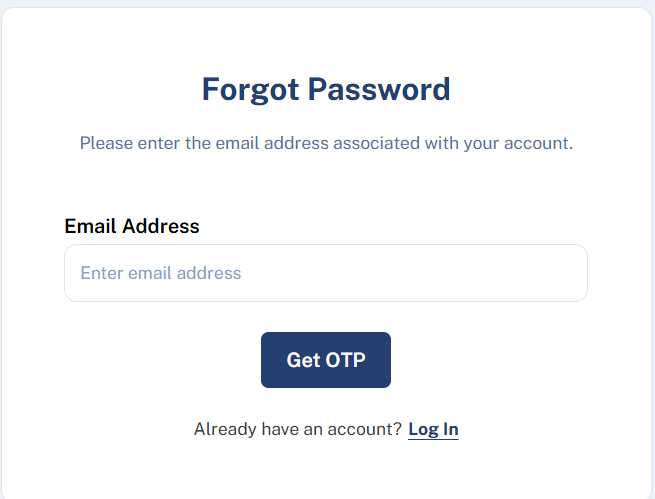
On the login screen, click Forgot Password?
-
Enter your email address and click Continue. A verification code is sent to that address.
-
Enter the code and click Verify.
-
Enter your new password, confirm it, and click Save. You can now log in with the new password.
Note: The code expires after a few minutes. Check your spam folder if it does not arrive.
Note: Make sure to use the same email address you registered with. If you are not sure which one that is, contact your admin.