
Log in to Geo-Cx(Web)
The Geo-Cx web platform is accessed at prod.app.geo-cx.com. You log in with the email address and password you used when creating your account.
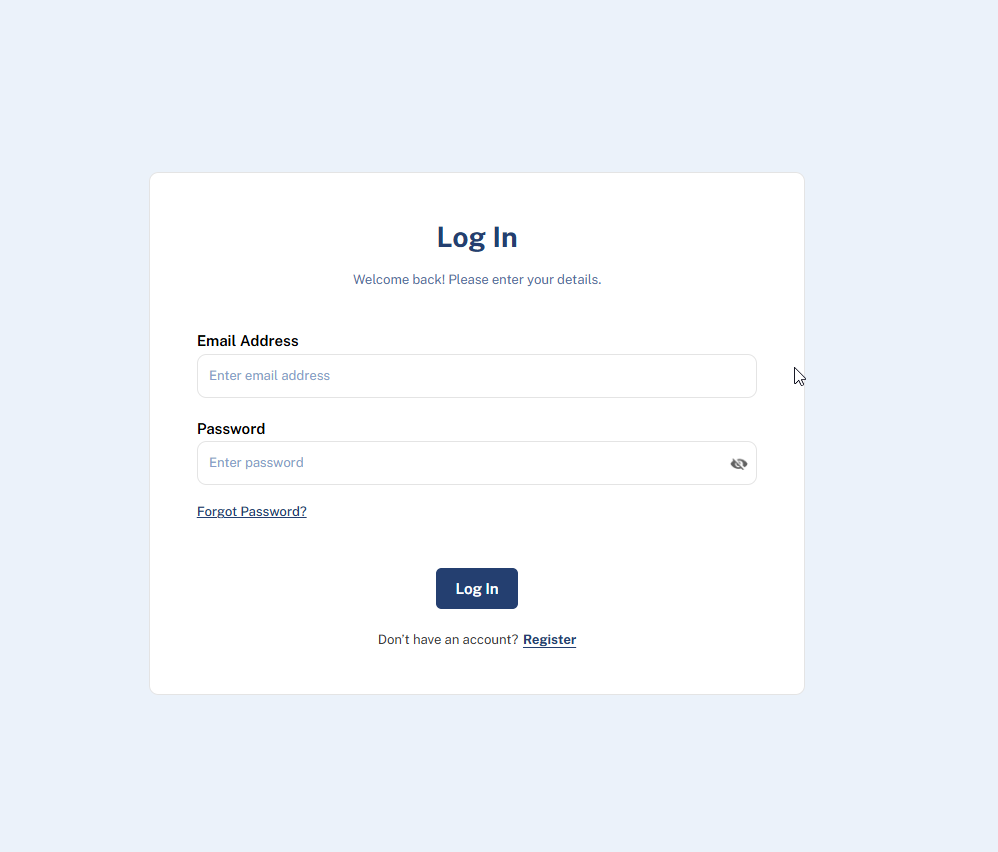 To log in:
-
Go to prod.app.geo-cx.com.
-
Enter your email address.
-
Enter your password.
-
Click Log In. You are taken to the Geo-Cx dashboard.
Note: The web platform is primarily used by admins and supervisors. Field workers typically use the Geo-Cx mobile app instead. See Log in on mobile for those steps.
Note: If you don't have an account yet, click Register on the login screen or go to geo-cx.com and click Try For Free. See Create your Geo-Cx account for the full setup steps.
Tip: If you can't remember your password, click Forgot Password? directly on the login screen. See Forgot your password? for step-by-step instructions.